Forgot to Clock In? Fix Missed Punches Without Messy Timesheets (2026)
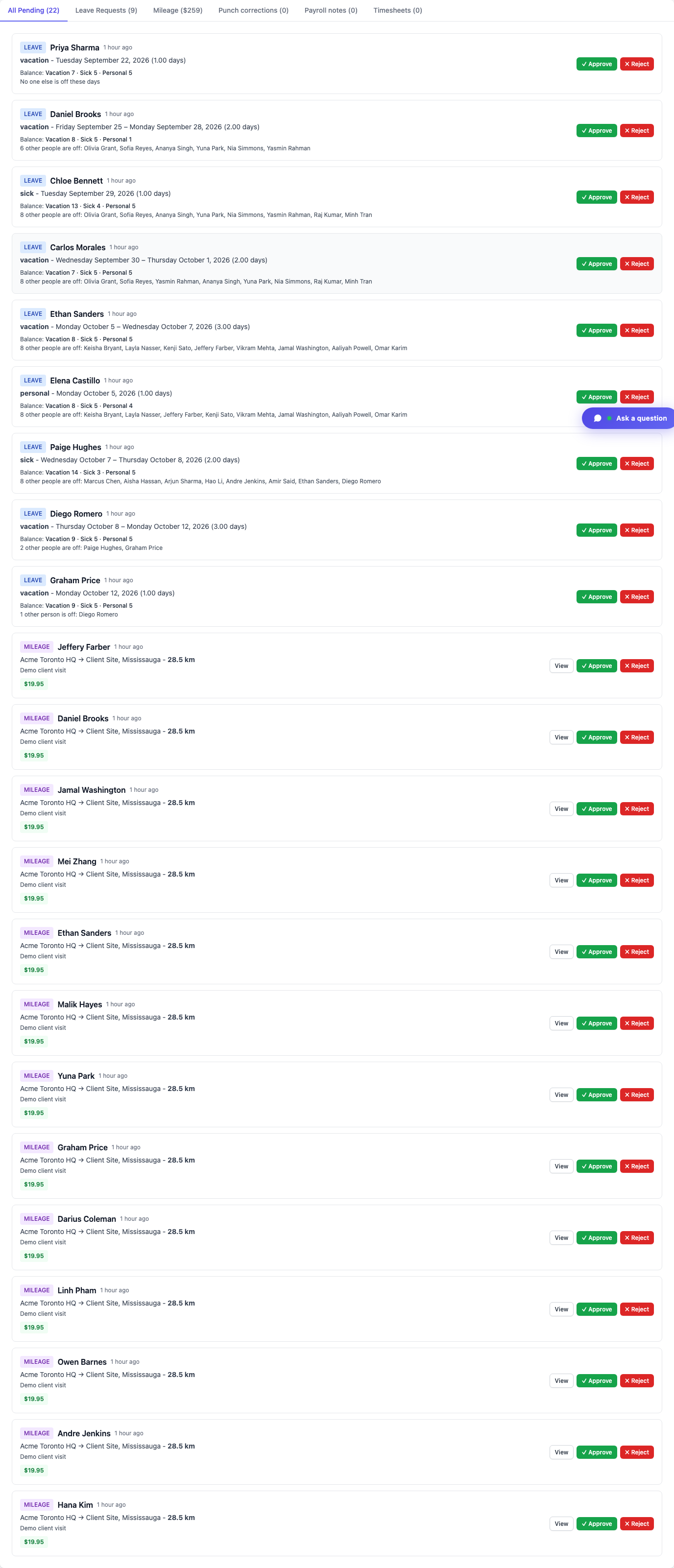
Employees submit missing, wrong, or forgotten punches at /timesheet/forgot-punch. Managers approve or edit times in the Approval Center—approved requests become completed time entries (60-day window). Also in the app and kiosk PIN.

Employees submit missing, wrong, or forgotten punches at /timesheet/forgot-punch. Managers approve or edit times in the Approval Center—approved requests become completed time entries (60-day window). Also in the app and kiosk PIN.
Missed the clock-in after a rush job. Forgot to clock out when the shift ran late. Put the wrong times on an overnight. Those moments do not need a spreadsheet archaeology project—or a manager rewriting the week by hand.
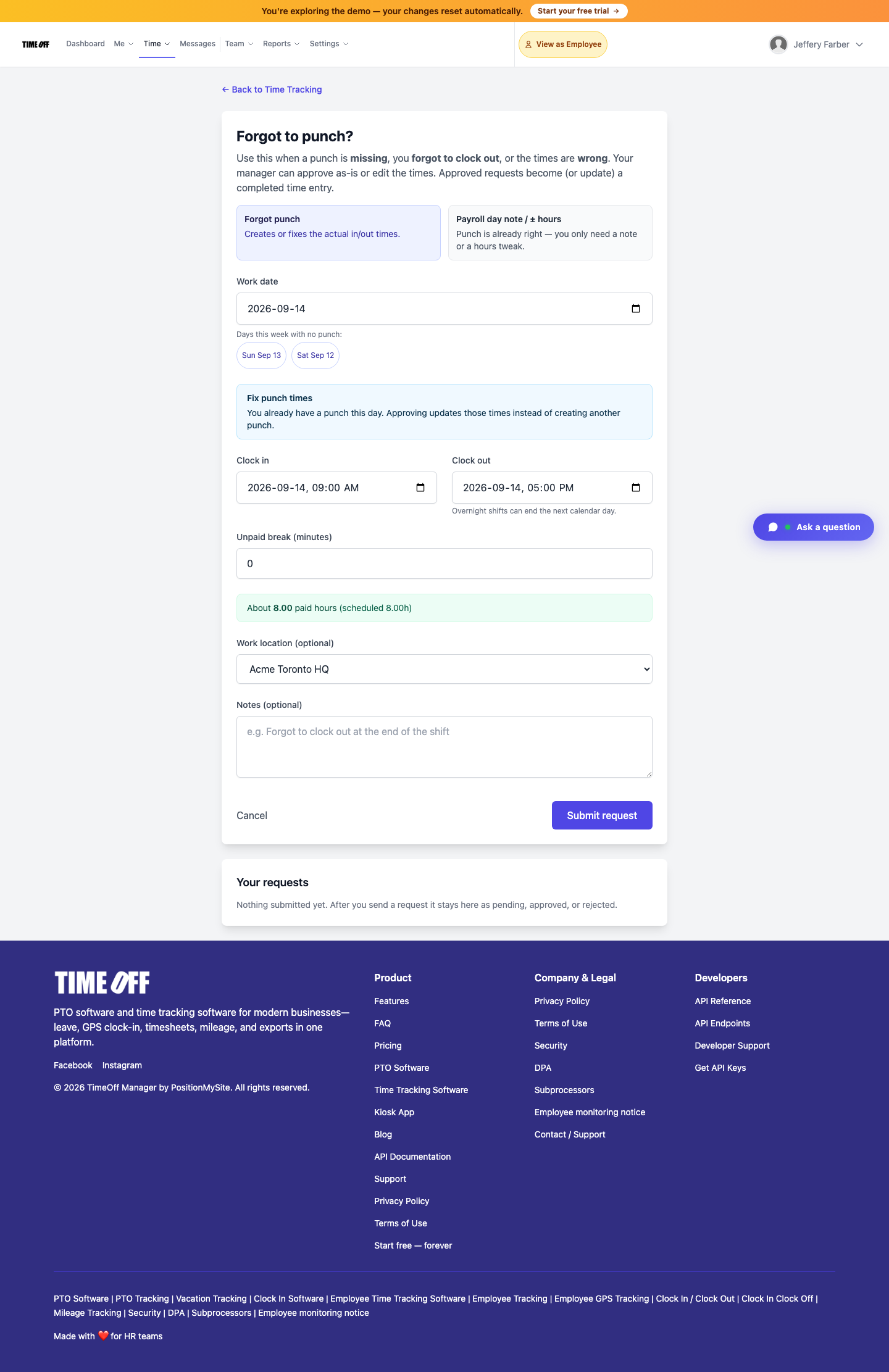
TimeOff Manager’s Forgot to punch? flow at /timesheet/forgot-punch lets employees submit a missing, wrong, or forgotten punch. Managers approve (or edit the times) in the Approval Center. Approved requests become—or update—a completed time entry. The same path exists in the TimeOff Manager app and as PIN forgot-punch on an activated kiosk.
Why “just fix the timesheet” fails
On timeoffmanager.us, search interest around time-clock, GPS clock-in, and PTO software stays healthy, and product traffic already hits leave requests and timesheets—yet payroll still inherits messy weeks when punches are missing. Common failure modes:
- Employees text screenshots of “I worked 9–5” into a group chat
- Managers open a blank spreadsheet and reconstruct hours from memory
- Overnight shifts get split across the wrong calendar day
- Small hour tweaks get buried in notes nobody reads at payroll
Forgot punch is one of the most underused signup paths: you already track leave and clock-ins; you still need a clean recovery path when a punch is missed.
What Forgot to punch does
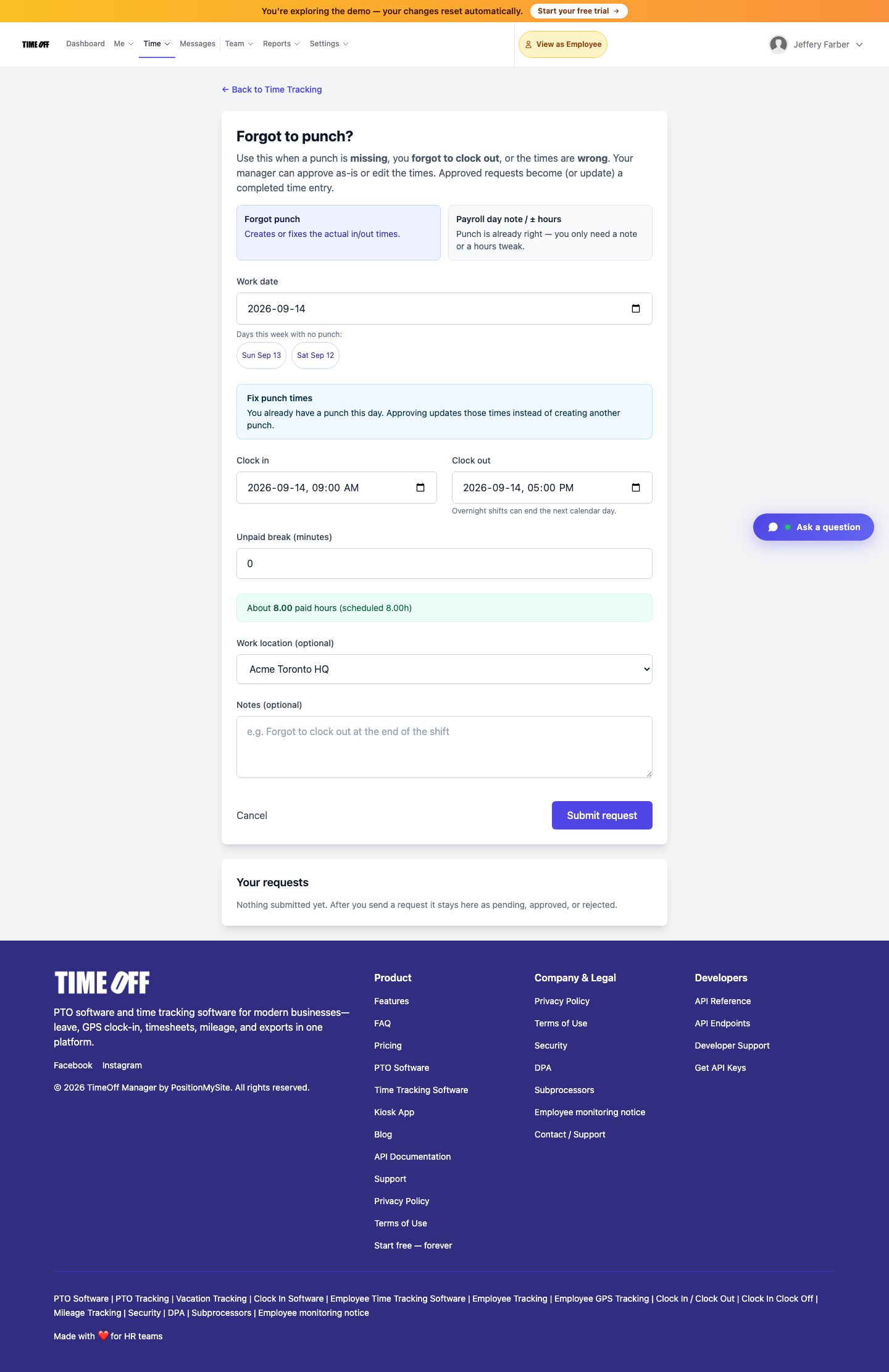
Path: /timesheet/forgot-punch (“Forgot to punch?”).
Use it when a punch is missing, you forgot to clock out, or the times are wrong. The form supports overnight shifts (clock-out can end the next calendar day), unpaid break minutes, optional work location, and a short note. Stay inside the 60-day window. After submit, status stays pending until a manager acts; you can cancel while it is still pending.
On the same screen you can toggle Payroll day note / ± hours when the punch times are already right and you only need a note or a small hours tweak—distinct from creating or fixing in/out times.

How managers approve
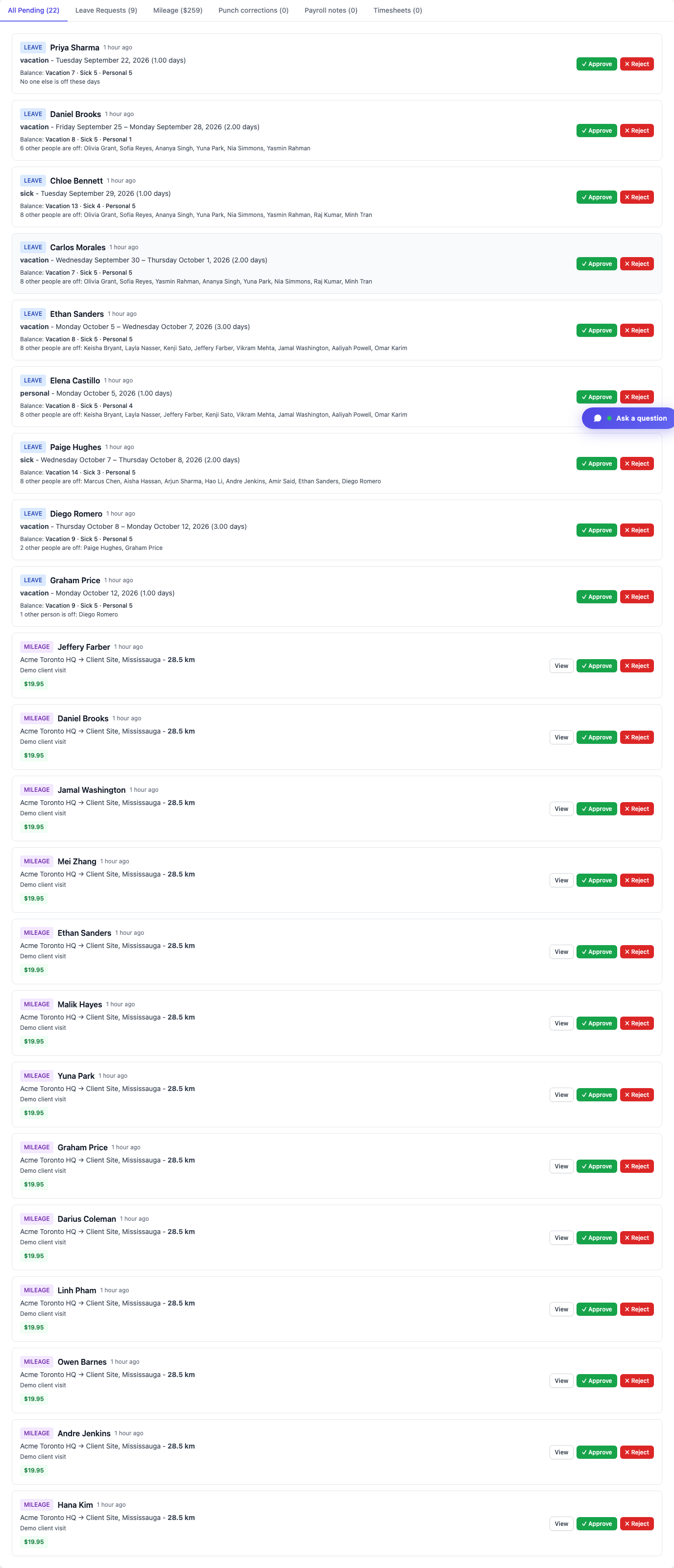
Approvers see the request in the dashboard Approval Center (and can get an email with approve/reject links). They can accept the times as submitted or edit them before approval. Approved requests create or update a completed time entry—so the timesheet and payroll hours stay aligned without a side spreadsheet.
Line managers review their team; company admins and HR see a wider queue.
Distinct from kiosk, GPS clock-in, and live staff map
- Kiosk PIN clock-in is for shared door tablets when you are punching on time.
- GPS / geofence clock rules validate location at punch time.
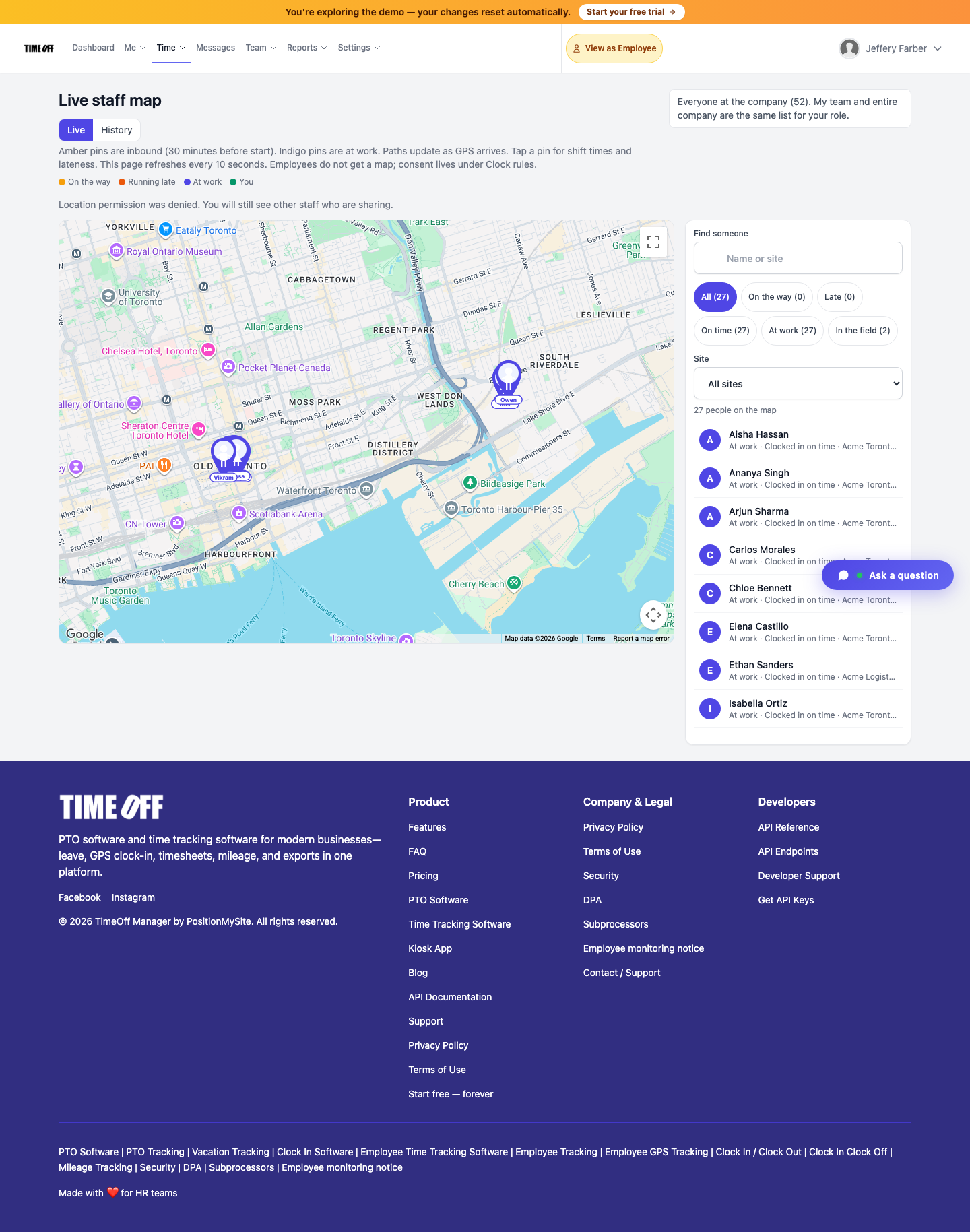
- Live staff map shows who is inbound or on site when live location is on.
Forgot punch is the recovery path after the fact—when the punch was missed or wrong—not a replacement for those controls. You can still use PIN forgot-punch on an activated kiosk when someone needs to fix a miss from the door tablet.
How to submit (real product path)
- Sign in and open Time → employee timesheet, then Forgot to punch (or go straight to
/timesheet/forgot-punch) - Choose Forgot punch (or Payroll day note / ± hours for small tweaks)
- Pick the work date, clock-in / clock-out, unpaid break minutes, location if needed, and a short reason
- Click Submit request
- Wait for Approval Center action—or cancel while pending
Need the longer in-product walkthrough? See Forgot to punch.
Who this is for
- Field and shift teams that occasionally miss a punch under pressure
- Managers tired of rewriting timesheets from chat threads
- HR that wants a 60-day, auditable fix with approval history
- Companies already on TimeOff Manager clock-in who need a clean recovery path before the next pay run
Start a 14-day trial (then Starter, Growth, or Scale)
See Forgot to punch on your own company workspace—web, app, and kiosk PIN paths.
You get a 14-day free trial, then choose Starter, Growth, or Scale based on seats and features. Register at https://timeoffmanager.us/register/company.
Related: Help: Forgot to punch · Live staff map